
Multiplayer gameplay
UNCOMPROMISED 4K QUALITY • MASTER-GRADE FIDELITY
DEDICATED GAME HUBS
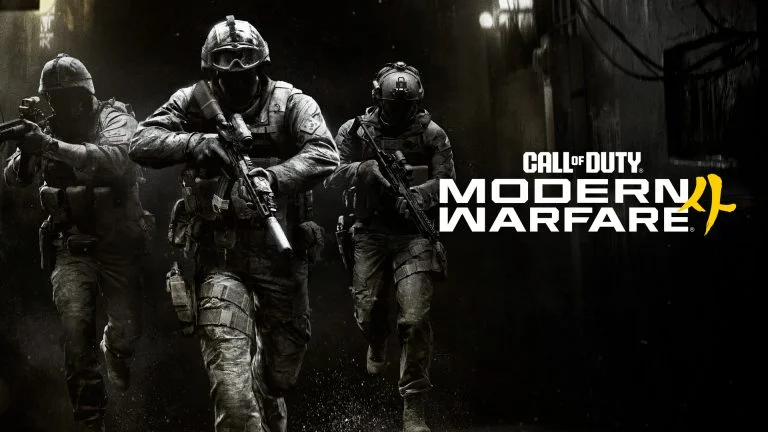 GAME HUB
 GAME HUB
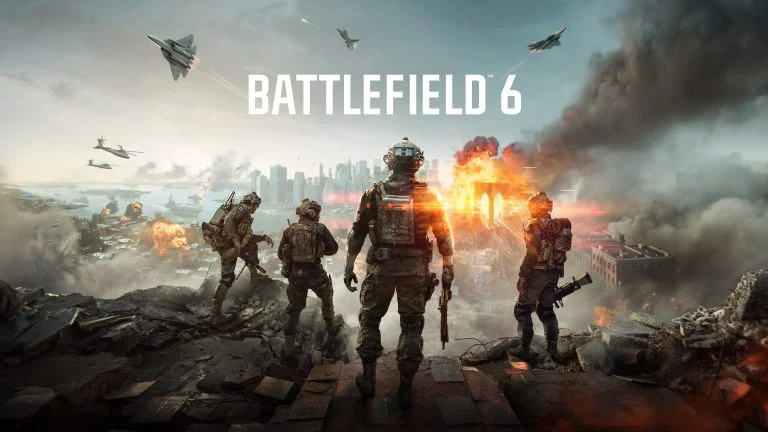 GAME HUB
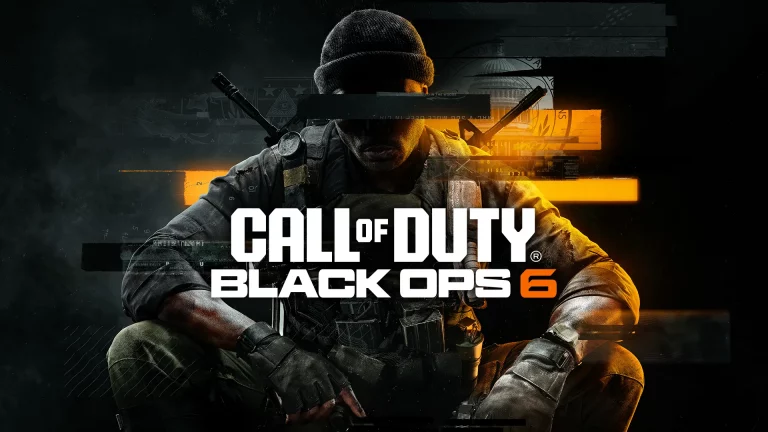 GAME HUB
 GAME HUB
DIRECT MATCH PLAYLISTS
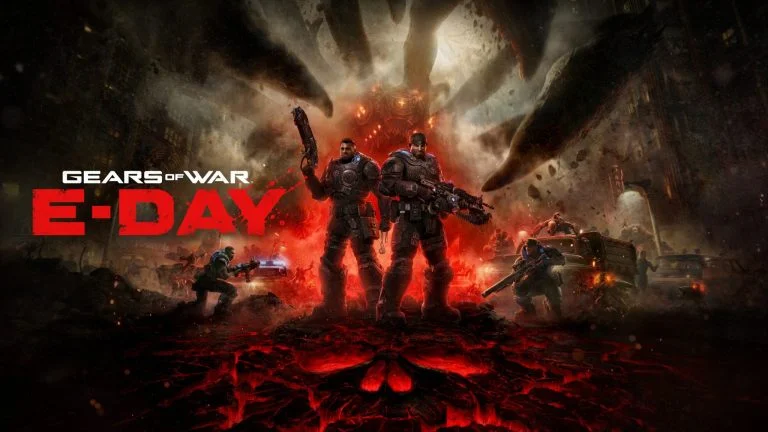
UG INFINITE SESSIONS
1H+ SESSIONS
1H+ SESSIONS
 1H+ SESSIONS
UNITEDG HIGHLIGHTS
Explore multiplayer gameplay and practical guides
Start with a dedicated hub
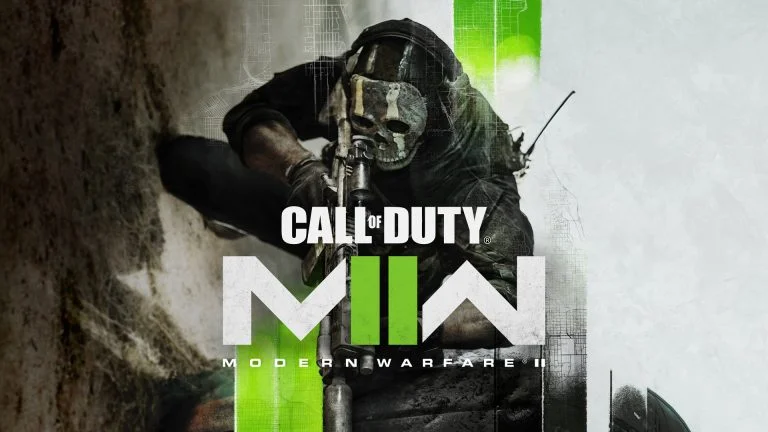
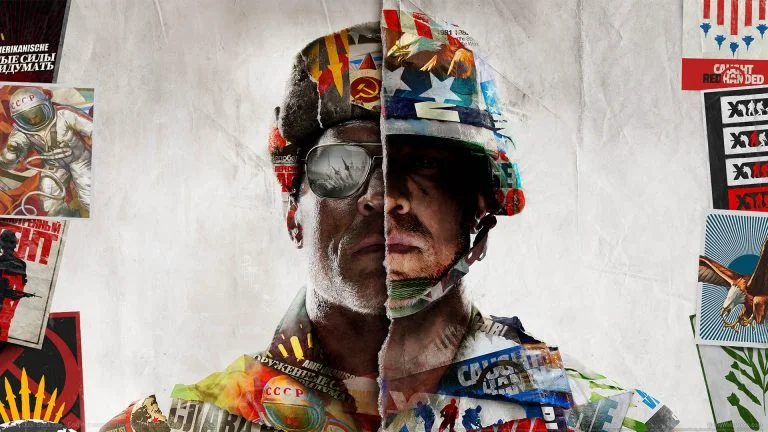
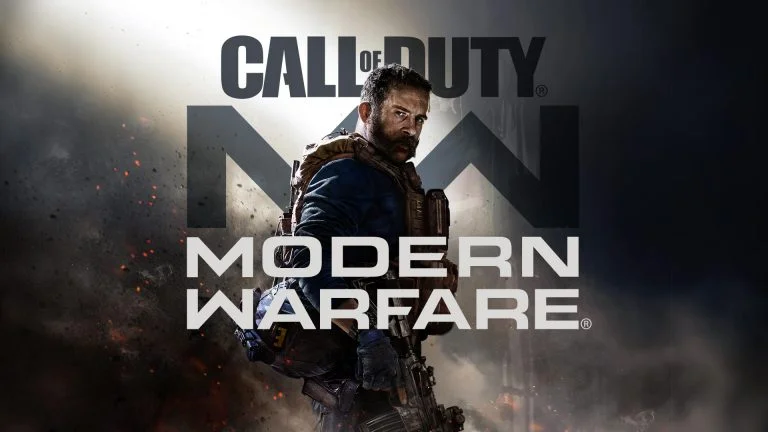
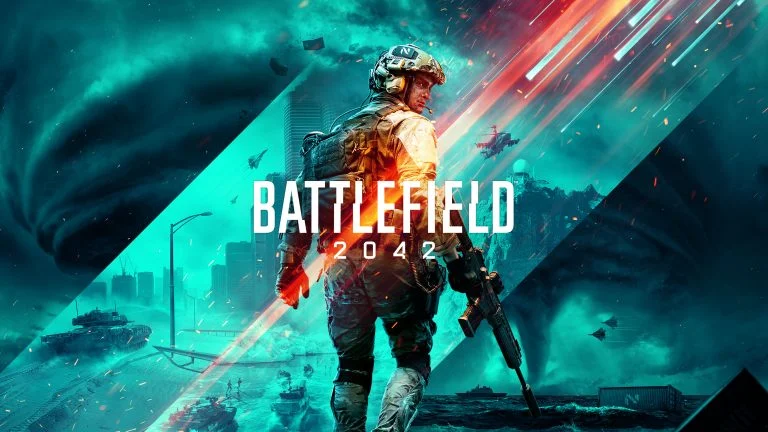
The multiplayer gameplay collection connects recordings with their game-specific resources. Open a Call of Duty or Battlefield hub to find the related loadouts, controller or mouse settings, graphics configuration and featured matches. Keep the correct game selected: settings and attachment systems differ between titles.
Choose a guide for a specific question
Use a loadout page to inspect the published weapon configurations. Input guides explain sensitivity, response or key bindings, while graphics pages describe the capture and visibility choices used in the recordings. Treat a configuration as a starting point and adapt it to your own hardware, display and play style.
Continue with a match playlist
Direct playlist cards open their video collection on YouTube. Dedicated hub cards keep related information together on this website. Match recordings show one session in context; results, balance and performance can vary across maps, opponents and game updates.