
THE DEFINITIVE CALL OF DUTY: MODERN WARFARE 3 RESOURCE
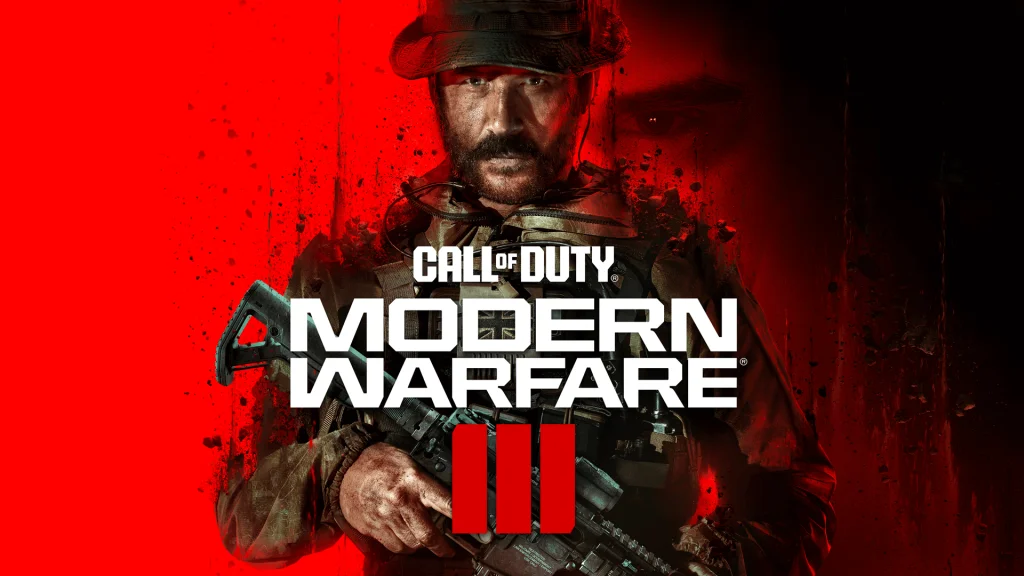
Welcome to the official UnitedG Call of Duty: Modern Warfare 3 Hub. Engineered for competitive multiplayer veterans and tactical enthusiasts, this portal bridges hardware optimization, weapon tuning mechanics, and pure 4K direct-feed captures in maxed-out PC graphics with high in-game framerates.
Tactical Weapon Tuning & Meta Loadouts
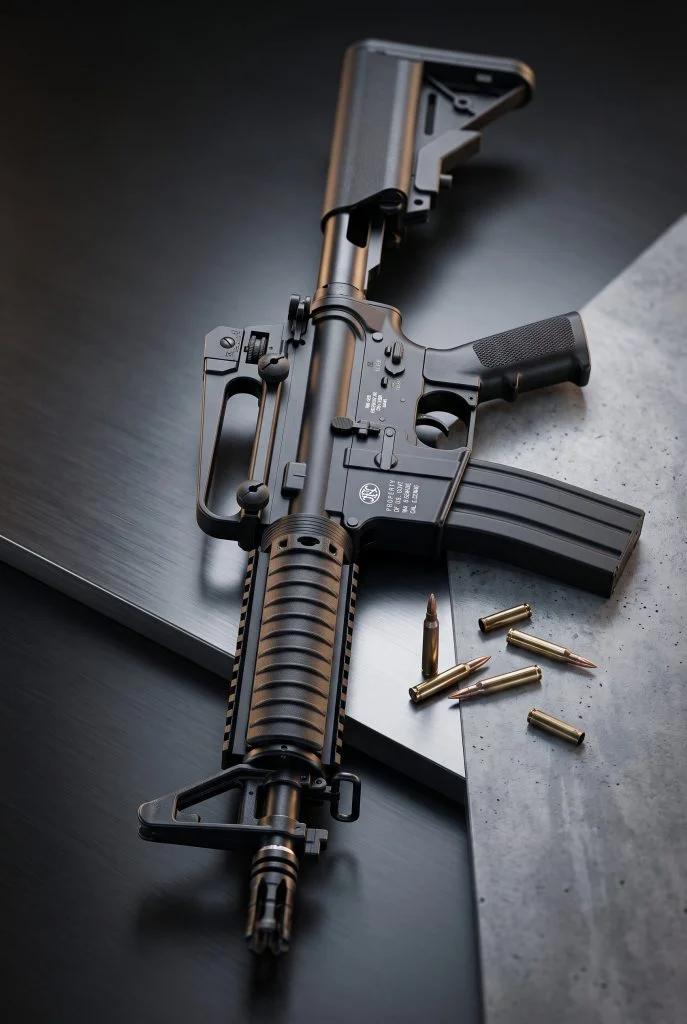
Mastering modern weapon handling requires an acute understanding of effective damage drop-off, bullet velocity, and sprint-to-fire timing. Our dedicated Weapon Builds Guide tests exact attachment combinations to stabilize recoil without penalizing ADS speed.
Pro Controller & Input Latency Calibration
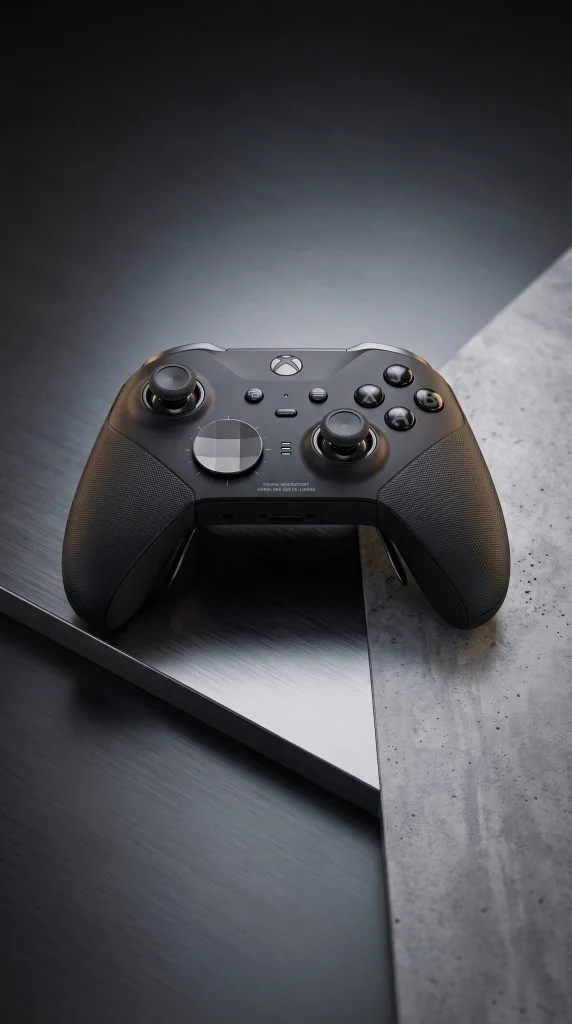
Gain snappy target acquisition with optimized dynamic response curves and precision deadzone thresholds. The Controller Settings Guide provides tournament-tested sensitivity layouts to enhance your micro-tracking in close-quarters skirmishes.
Competitive Graphics & Frametime Benchmarks
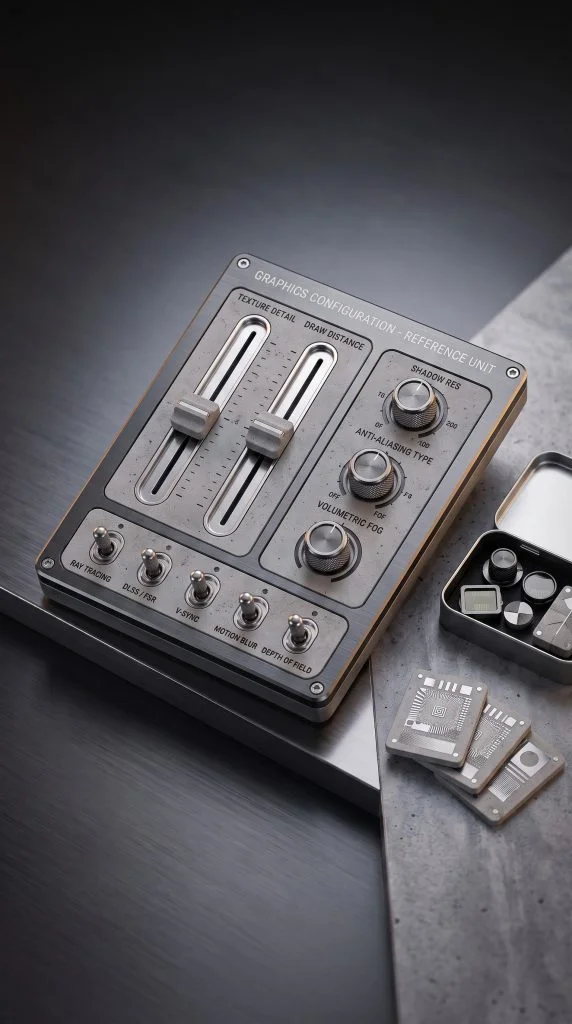
Frame consistency dictates reaction time. Our in-depth Graphics Optimization Guide breaks down DirectX 12 render pipelines, DLSS sharpness, and volumetric lighting settings to eliminate shader stutters and maximize high in-game FPS.